Kling Motion Control - Professional AI Character Directing Tool
Master Kling 2.6/3.0 motion control for studio-grade movement. Experience Kling Motion Control for precise actions and facial expressions. Start for free now!
How it work
Combine motion references with static characters in seconds.
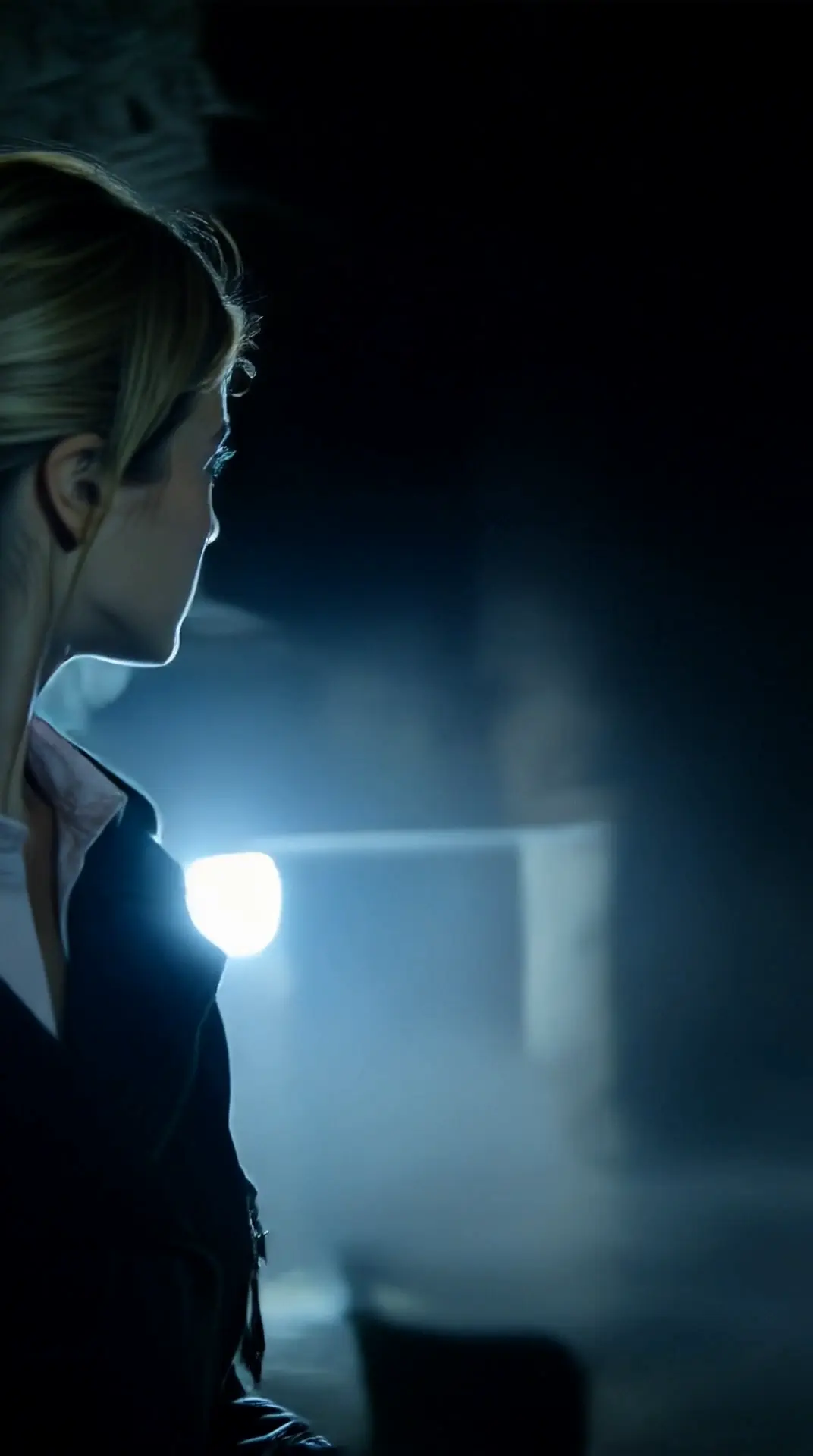
What Is Kling Motion Control
Pro‑Level AI Motion Transfer
Transform still images into high-fidelity animated videos using reference-driven motion logic. Kling Motion Control intelligently analyzes motion sequences from a reference video and applies them to static character images.
Instead of relying on text descriptions alone, Kling reconstructs movement frame-by-frame—capturing lifelike gestures, facial expressions, and full-body choreography with precision.
Built for predictable outcomes and commercial-ready output, it's ideal for creators, studios, and businesses that need intentional, repeatable motion.
Precision Motion Extraction
Extracts full motion from your reference video—subtle gestures to complex choreography—and maps it with precision to your character.
Full‑Body & Expression Accuracy
Captures full‑body movement, hand gestures, and facial expression details for smooth, natural, professional‑grade motion results.
Commercial & Business‑Ready
Outputs motion‑controlled videos you can use commercially for marketing, branding, ads, and professional client work.
Key Features of Kling Motion Control
Unlock predictable AI motion transfer from reference video to character with precise, controllable action and expressive control.
Accurate Motion Transfer
Transfers full-body movements from reference video to still image for lifelike action without guesswork.
Full-Body & Gesture Precision
Maintains pose sequences and detailed gestures like dance and hand motion with smooth continuity.
Identity Consistency
Keeps character identity and visual style stable throughout the animation, even across complex motion sequences.
Orientation Flexibility
Match motion framing to either the reference video or the source image for compositional control across formats.
Prompt-Guided Refinement
Use prompts to refine background, style, and lighting without affecting core motion fidelity.
Audio Control Option
Preserve reference audio or output silent motion for flexible post-production workflows.
Precision in Motion: Kling Motion Control in Action
Discover how industry professionals leverage Kling Motion Control to master cinematic composition, achieve hyper-realistic detail, and scale visual production without sacrificing consistency.
Master Cinematic Storytelling with AI Precision
Kling Motion Control bridges the gap between creative prompts and professional-grade cinematography. By analyzing visual and auditory intent, the system provides granular control over essential filmic elements-including scene composition, dynamic lighting, color grading, and focal depth.
For filmmakers and creative directors, this means a more efficient pre-production workflow. Use Kling Motion Control to generate:
- Dynamic Storyboards: Rapidly iterate on scene layouts with precise camera angles.
- Concept Art & Previs: Transform abstract ideas into structured visual narratives.
- Production Planning: Visualize complex lighting and depth-of-field setups before the cameras roll.
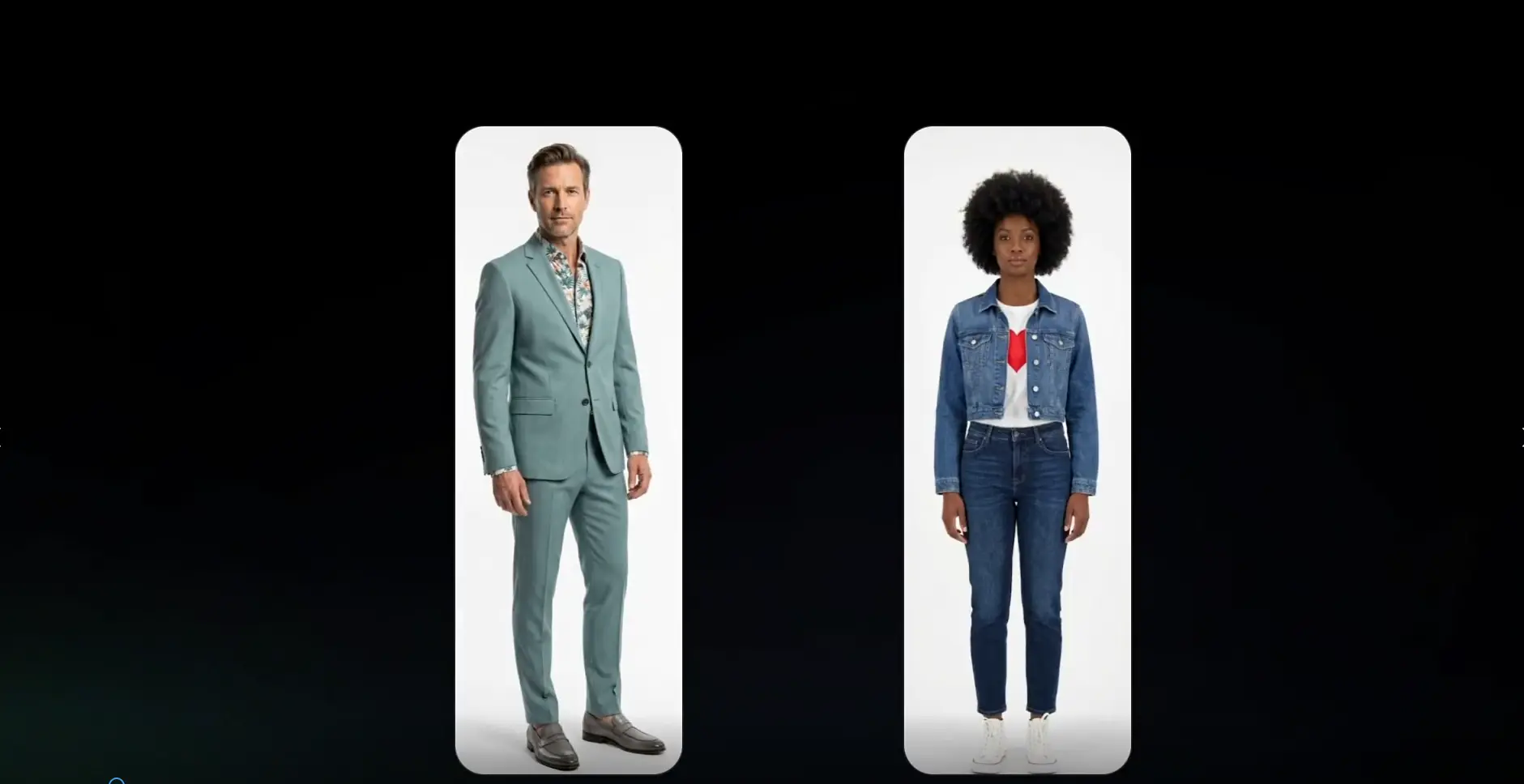
High-Fidelity Realism & 4K Professional Output
In an era where visual quality is non-negotiable, Kling Motion Control sets the standard for high-resolution AI generation. Native support for 2K and 4K outputs ensures that your visuals are production-ready, featuring ultra-sharp textures and fluid color transitions.
Beyond resolution, Kling Motion Control enhances the structural integrity of every frame. The model delivers:
- Physically Accurate Rendering: Realistic material textures and natural light behavior.
- Visual Stability: Consistent shadows and fine details that remain steady throughout motion.
- Photorealistic Finishes: Sophisticated surface rendering for professional-grade commercial and film work.
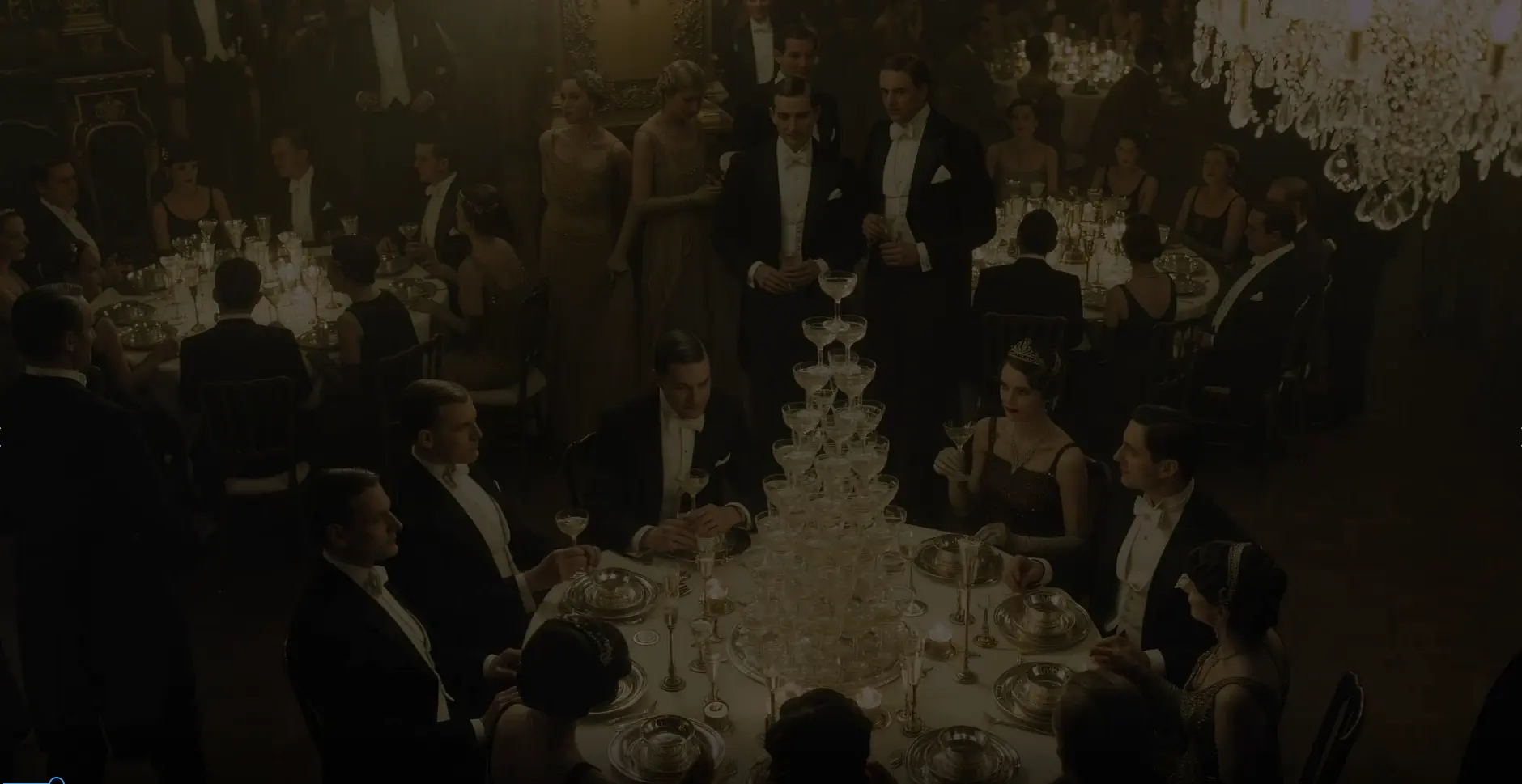
Scalable Visual Identity with Image Series Mode
Maintaining a singular "look and feel" across a project is one of the biggest challenges in AI production. Kling Motion Control solves this with Image Series Mode, a powerful workflow tool designed for high-volume, stylistically unified output.
Whether you are building a brand or an entire world, Kling Motion Control allows you to generate connected assets that share the same DNA. Perfect for:
- Brand Asset Libraries: Create a consistent suite of visuals for marketing and social media.
- Character Development: Generate multiple poses and environments for a single character design.
- Storytelling Continuity: Ensure visual consistency across sequential storyboard frames.
- Efficiency at Scale: Streamline large-scale visual production while maintaining strict creative control.
How to Use Kling Motion Control
Master the art of precise directing: eliminate randomized outputs by transforming your vision into predictable, commercial‑grade assets with the Kling 3.0 engine.
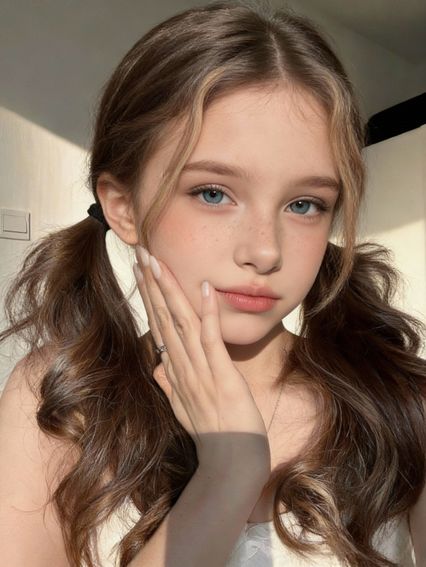
Upload Image
Select a clear, full-body character image.
Add Motion
Upload a reference video clip (3-30s).
“A girl wearing a white tank top and a white skirt.”
Configure
Set prompt and orientation options.
Generate
Run the model and download your video.
Kling AI Motion Control Use Cases: What You Can Create with Kling 3.0 Motion Control
Bring static visuals to life across creative, social, and production workflows with controlled motion transfer.
Social Short‑Form Videos
Create dynamic clips by mapping trending motion to characters for TikTok, Reels, and Shorts.
Character Animation & Illustration
Bring avatars, mascots, and artwork to life with real movement from reference footage.
Product & Brand Content
Add human‑like motion to product demos and marketing assets to boost engagement.
Storyboarding & Ideation
Generate quick motion mockups to visualize concepts before full animation production.
Expressive Gesture & Dance Creations
Produce precise dance loops and expressive sequences that hold viewer attention.
Avatar & Virtual Host Motion
Enable controlled motion for virtual characters in presentations, streaming, or metaverse use‑cases.
Loved by Creators Worldwide
See how thousands of storytellers are using Kling Motion Control to bring their vision to life.
“Honestly, the Reference Video feature changed my entire workflow. I filmed myself doing a specific hand gesture, uploaded it, and Kling applied that exact movement to my sci-fi character. The motion match is scary good—no more random AI hallucinations.”
James C.
Indie Filmmaker
“For product showcases, random movement is a dealbreaker. With Kling's motion control, I can force a smooth pan-right or zoom-in on the product. It feels like I'm actually directing the camera, not just rolling the dice with a prompt.”
Sarah Jenkins
Creative Director at AdFlow
“The biggest struggle with AI video has always been keeping the face consistent while moving. Kling v2.6 nails it. I used the Image-to-Video mode with a strong motion reference, and the character kept their identity through the whole 5-second clip. Finally usable for narrative storytelling.”
Hiroshi T.
Concept Artist & Animator
“I used to have to stitch together tiny 2-second clips that looked glitchy. Being able to generate up to 10 seconds in high quality with the Pro mode is a huge upgrade. The motion doesn't degrade towards the end of the video like other models.”
Emily Rivera
YouTuber & AI Educator
“I have terabytes of static portraits. I started using the Motion Brush to add subtle wind to hair or background movement. It breathes life into my old portfolio without making it look like a cheap filter. Subtle, realistic, and powerful.”
Markus O.
Professional Photographer
“I've subscribed to Runway, Pika, and Luma. Right now, Kling's Complex Motion handling is top tier. Even with complex prompts like 'running through a crowd,' the physics just feel heavier and more real. It handles the weight of objects better than anything else.”
Alex "AI_Dad" P.
Tech Blogger
Choose a plan that fits your needs
Upgrade to get access to pro features and generate more and better motion‑controlled videos.
Starter
- 99 credits included
- Up to 6 videos generated
- Motion extraction and transfer
- Image-to-video animation (up to 30s)
- Full-body motion accuracy
- HD export, No watermark
- Standard queue speed
- Email support
Basic
- 330 credits included
- Up to 22 videos generated
- Motion extraction and transfer
- Image-to-video animation (up to 30s)
- Full-body motion accuracy
- Precision hand and gesture control
- Flexible character orientation modes
- HD export, No watermark
- Priority queue speed
- Priority support (email)
Plus
- 600 credits included
- Up to 40 videos generated
- Motion extraction and transfer
- Image-to-video animation (up to 30s)
- Full-body motion accuracy
- Precision hand and gesture control
- Flexible character orientation modes
- Prompt-guided scene refinement
- HD export, No watermark
- Faster priority queue + up to 5 concurrent jobs
- Priority support
Professional
- 1250 credits included
- Up to 83 videos generated
- Motion extraction and transfer
- Image-to-video animation (up to 30s)
- Full-body motion accuracy
- Precision hand and gesture control
- Flexible character orientation modes
- Prompt-guided scene refinement
- Camera movement support
- HD export, No watermark
- Commercial use license
- Fastest queue + up to 10 concurrent jobs
- 24/7 priority support
- Bulk processing
- API access (coming soon)
Ready to Create Amazing Videos?
Experience the power of Kling Motion Control AI video generation and bring your creative vision to life.
Try Kling Motion Control Free